Using catalogs and catalogs data in the project
| Product | InstalSystem 5 |
| Type of article | FUNCTION AND TOOL |
| Source for translation | IS 5.0 Beta Rev. 0.0.B37 |
Description
The article describes the method of using catalogues in a project in terms of their general application, as well as the use of catalogue data in particular cases of project editing. The catalogues contain, in addition to technical specifications, information on interdependencies between the products that are used in advanced algorithms of selecting and sizing connections, accessories and in calculating specific functional groups. Based on that, in addition to calculation results and component parameters (e.g. initial settings of control valves) the program generates complete bills of materials. Additional graphical and technical information on products and systems contained in catalogues supplements the design process.
Location in the program
Selection of catalogues for the project
- Catalogues are available in the General data window in the Catalogues section.

1. Selection of catalogues for the project

Adding a VDI catalogue to the list of available catalogues
- The pushbutton that enables adding VDI catalogues to the list of available catalogues is located in the General data window, section Catalogues / Radiators and Valves and fittings. VDI catalogues can be used in projects in selected software packages.
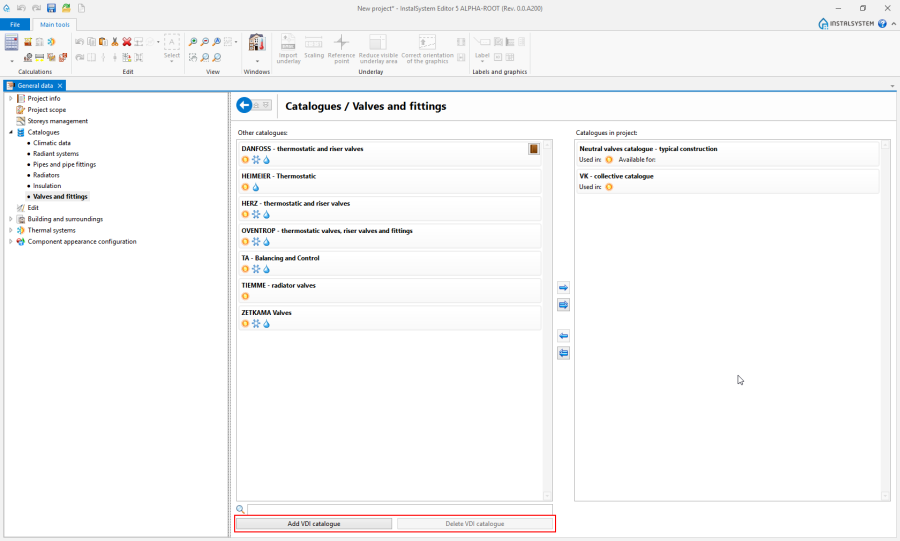
2. Add VDI catalogue

Example of use
Selecting catalogues for the project from the list of available catalogues
When working on a project, at appropriate locations it will be possible to use only the products from catalogues selected for the project.
Catalogue application scope
Icons under the name of the catalogue in the window indicate the scope of project calculations where the catalogue can be used:
 - Heating systems,
 - Cooling systems.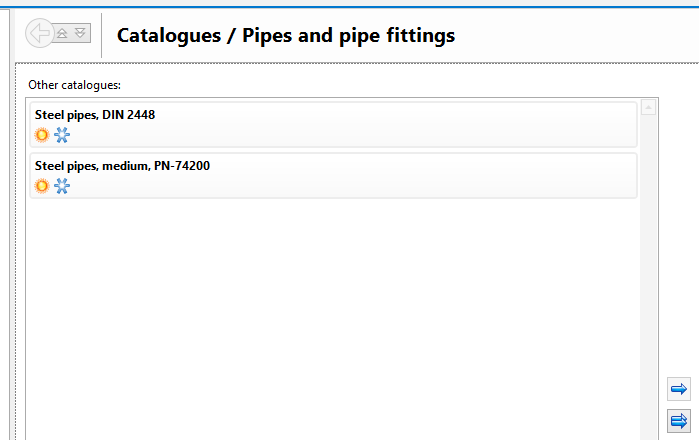
3. Catalogue application scope


Use and availability of catalogues
In the Catalogues in project: window, under the catalogue name, there are icons grouped into two sections:
- Used in: section - contains a list of icons of calculation scope where the catalogue was used. Catalogues that have been used in the project cannot be removed from the list of catalogues selected for the project.
- Available for: section - contains a list of icons of calculation scope where the catalogue can be used.
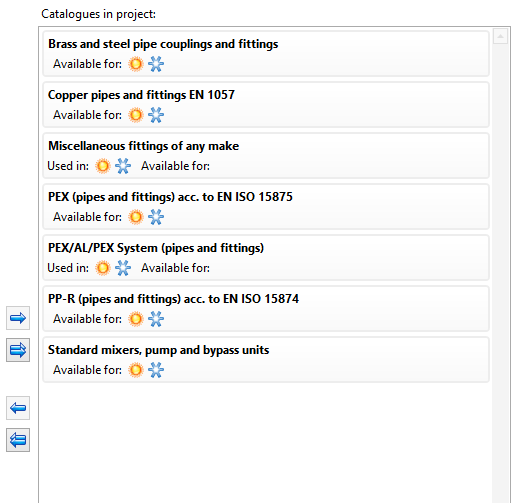
4. Use and availability of catalogues

Using catalogues when editing general (default) data
Using catalogues when editing component data
Editing catalogue data by the user
The user can create catalogues of construction materials and edit data therein. These catalogues are available for use in the current project and in other projects.
Use of catalogues in calculations and verification of results
Additional information
Restoring the catalogue options of sizing pipe diameters.
